Four document formats
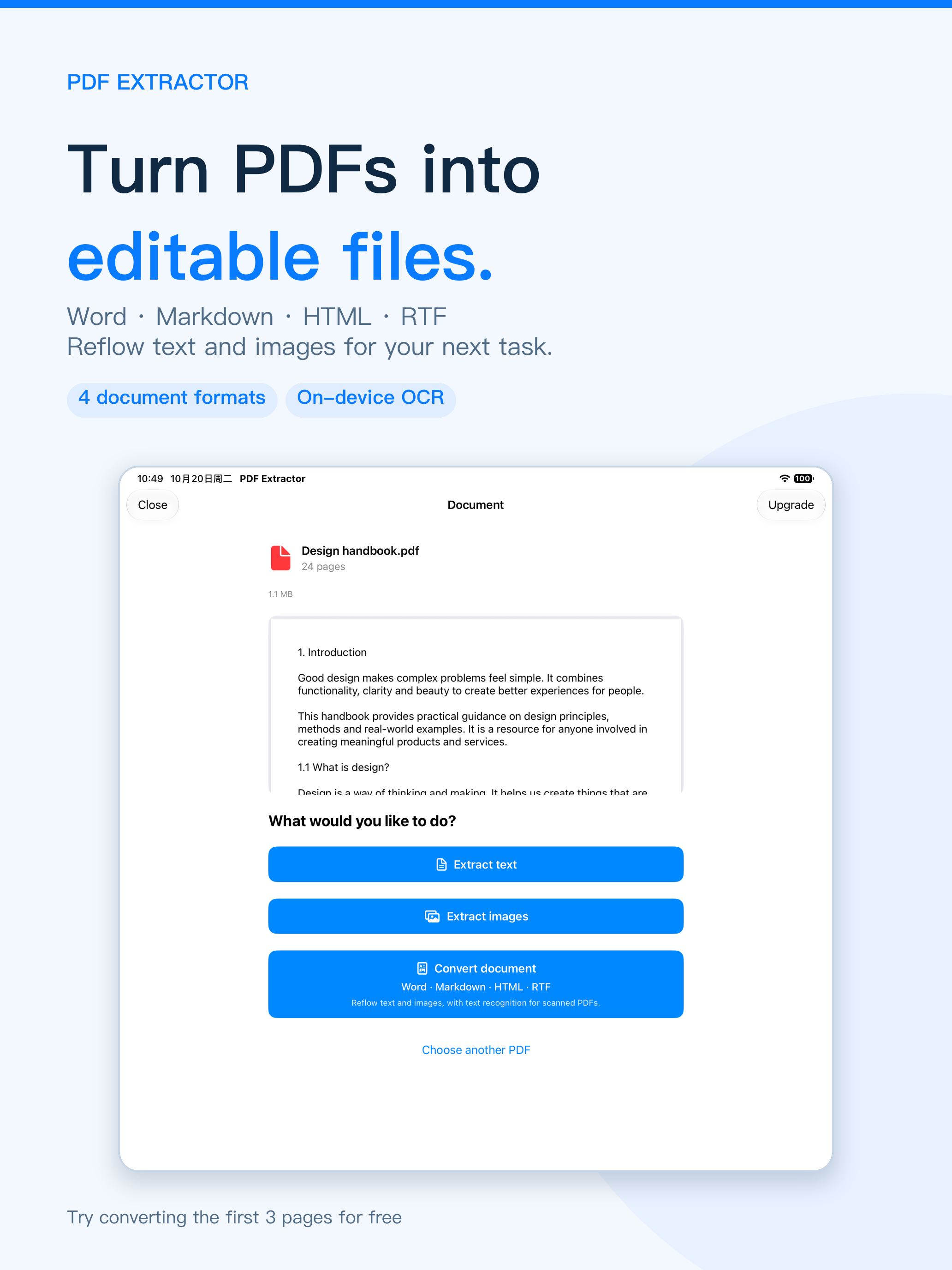
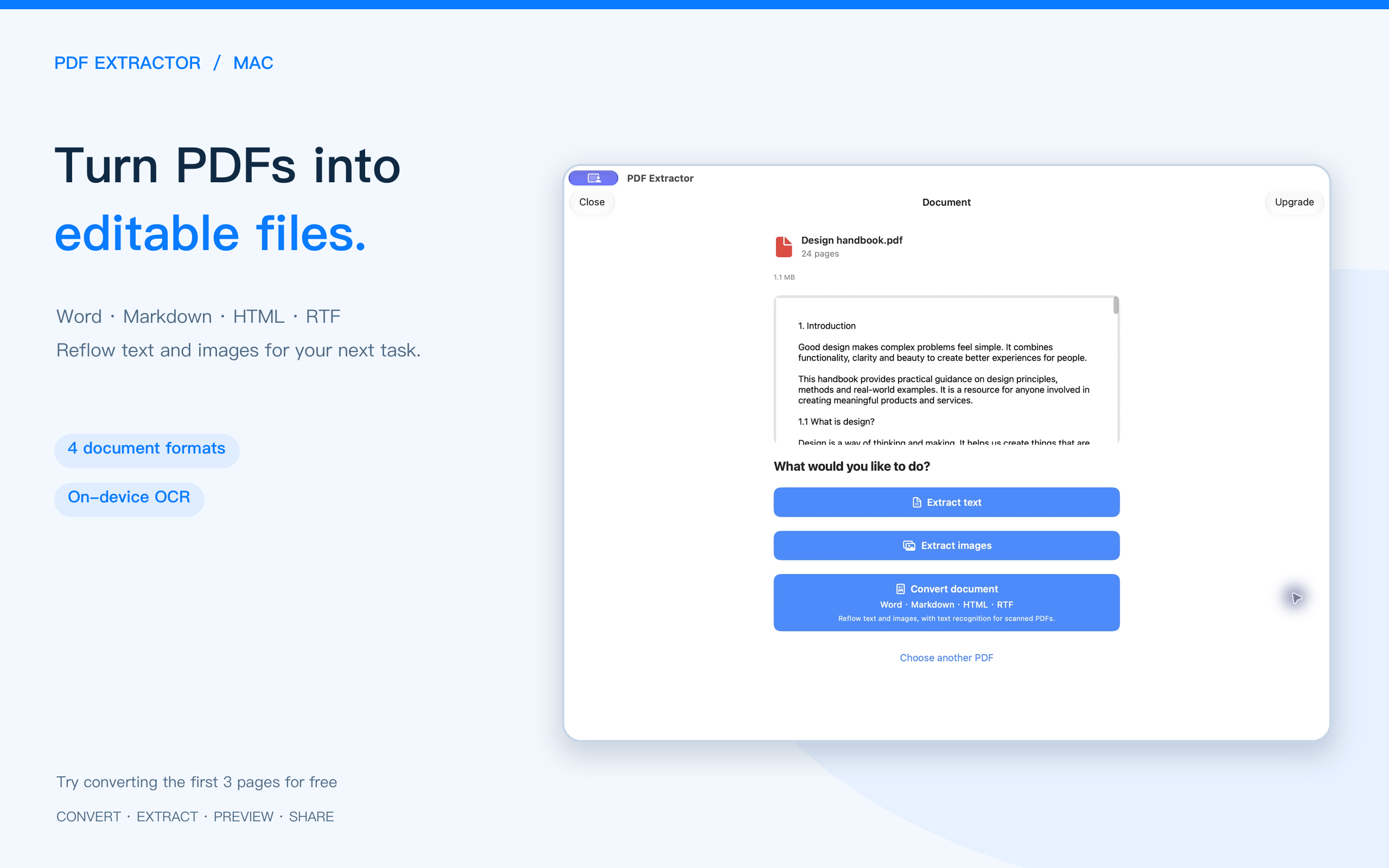
Reflow text and images into Word (DOCX), Markdown, HTML or RTF for editing and reading.
 PDF Extractor
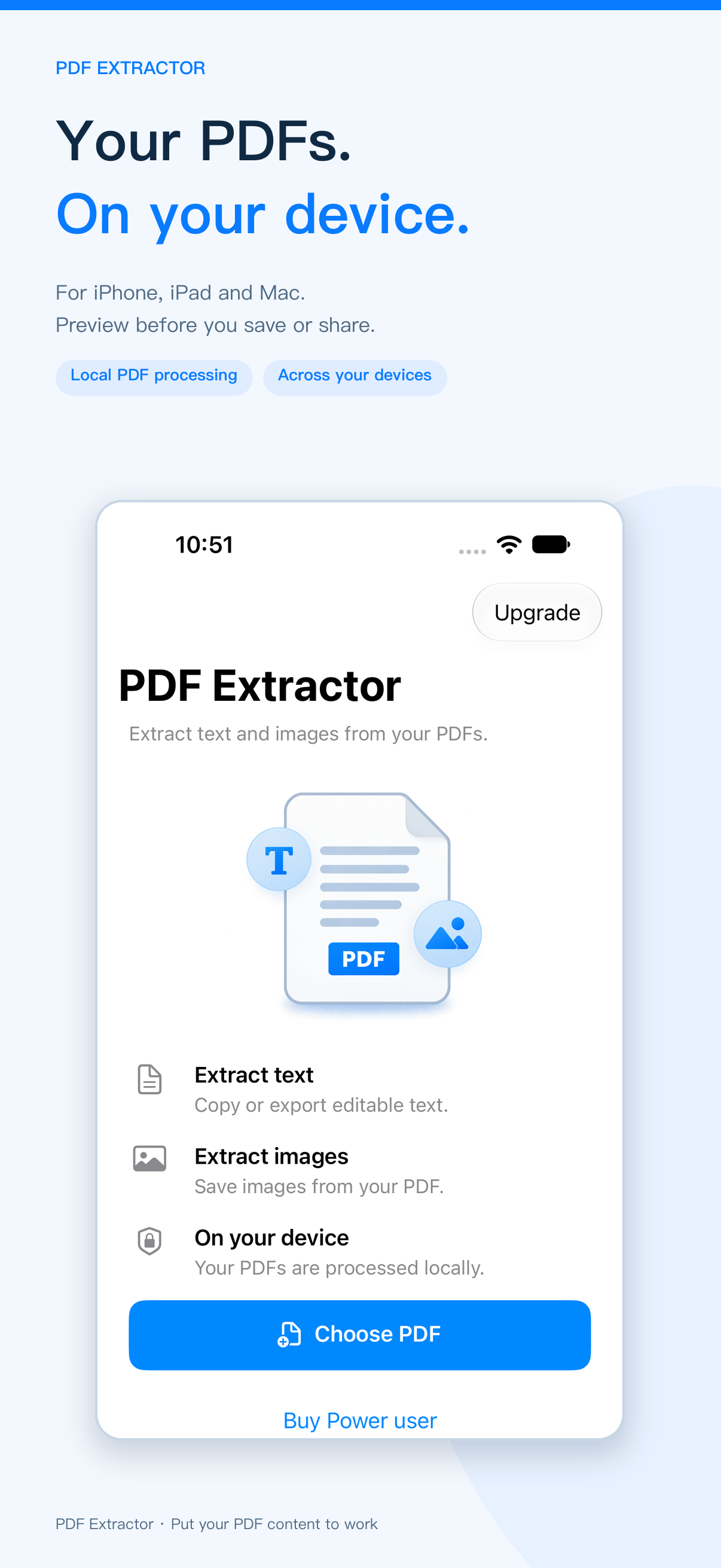
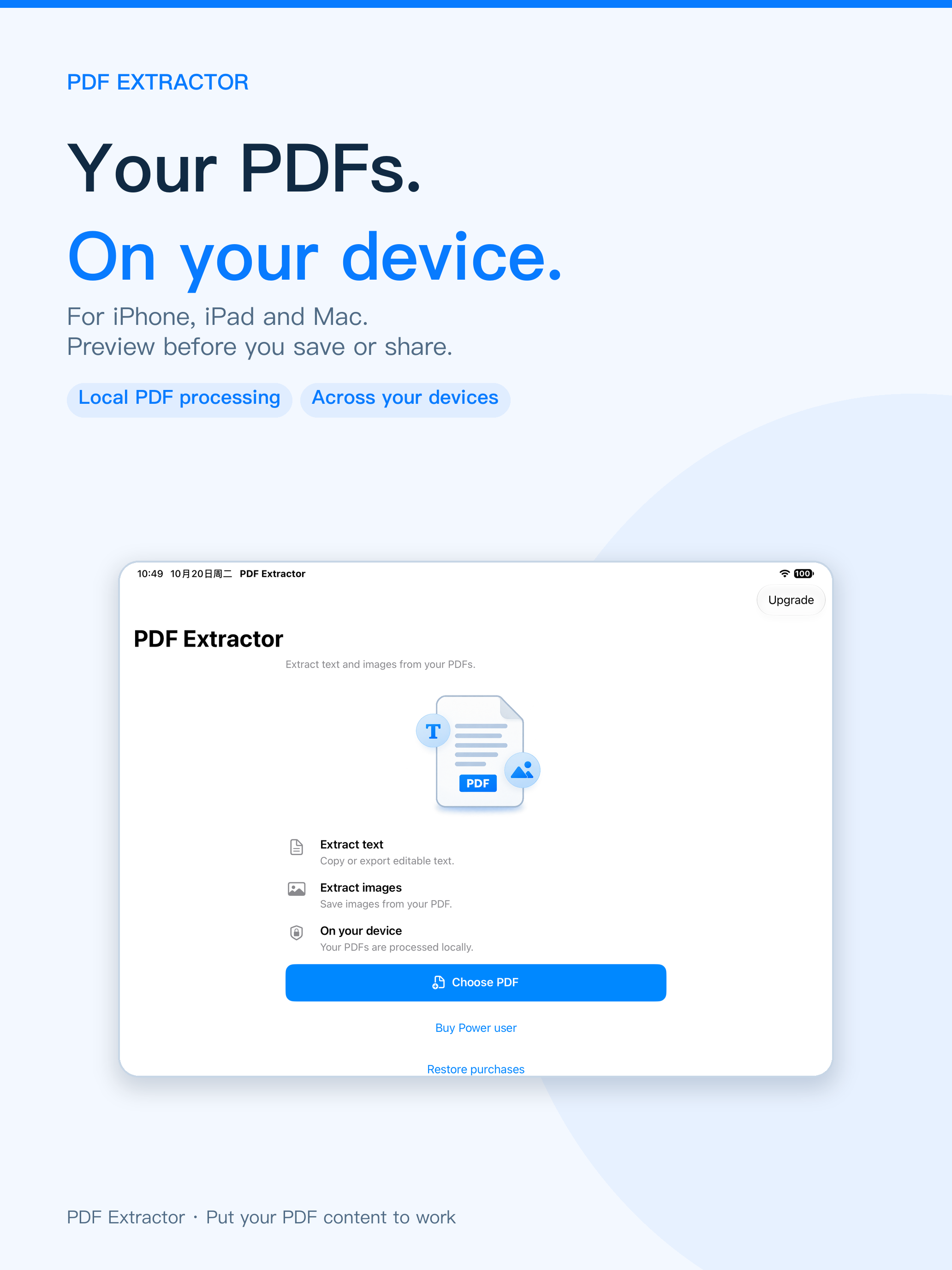
Extract text and images, or convert PDFs to Word, Markdown, HTML and RTF. Use on-device OCR and preview before saving or sharing on iPhone, iPad and Mac.
View on the App Store ↗iOS / iPadOS 15+ · macOS 12+
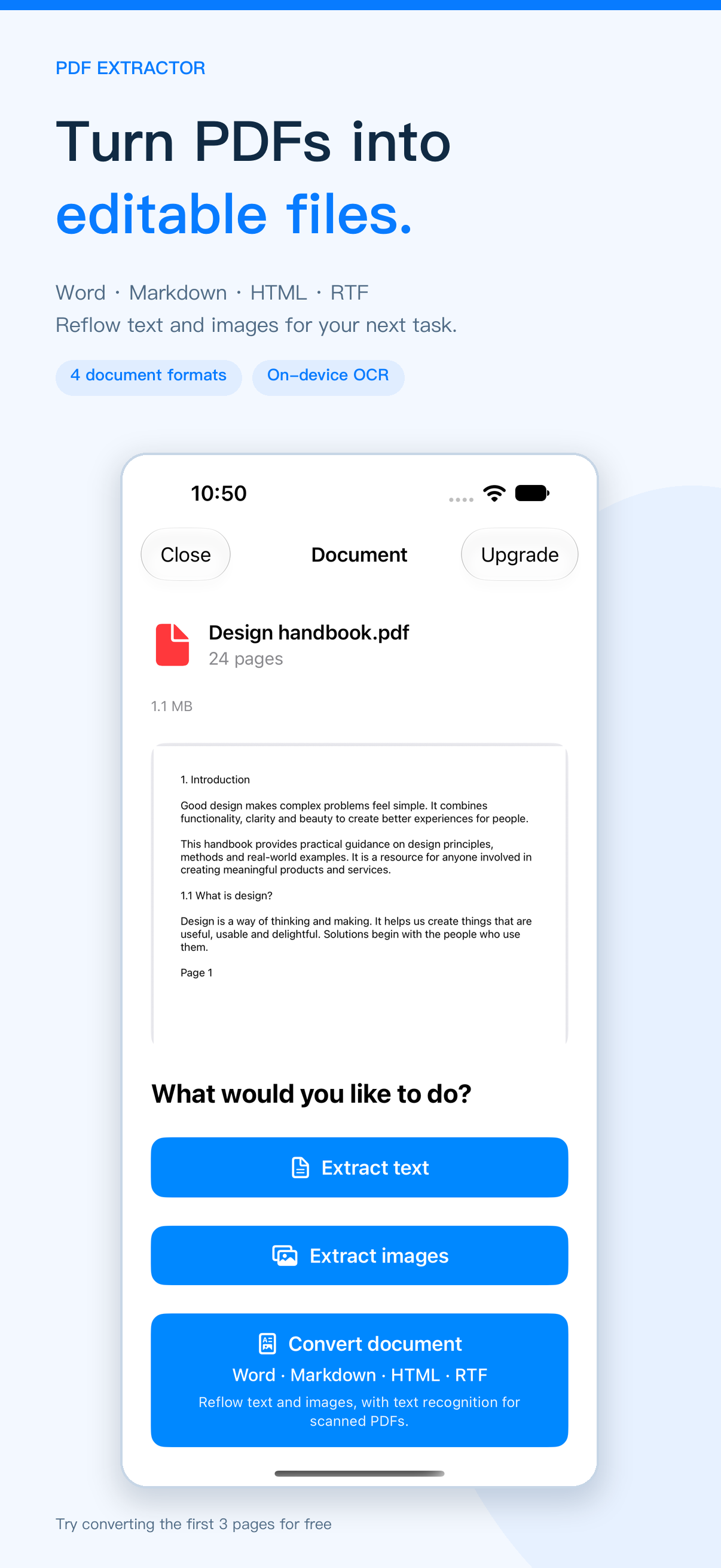
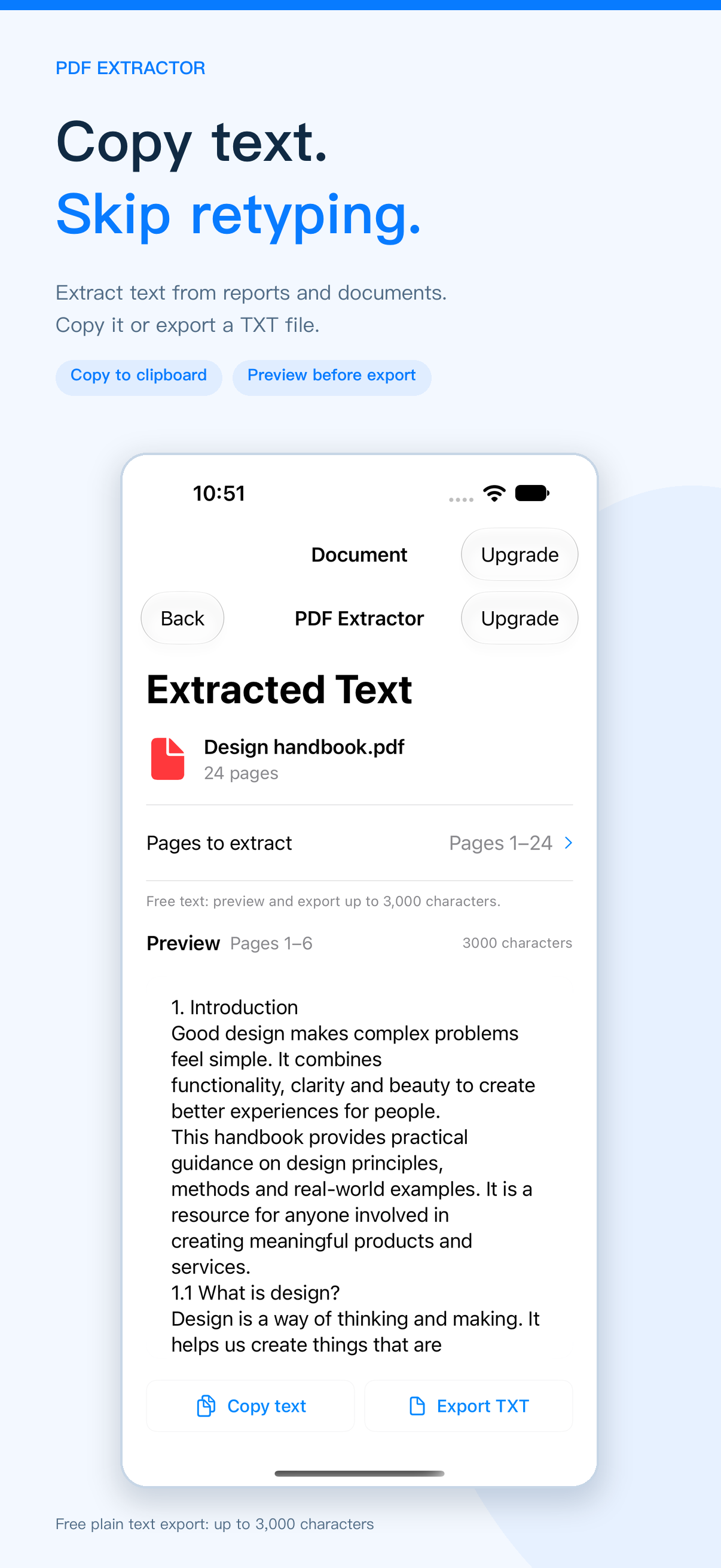
Reflow text and images into Word (DOCX), Markdown, HTML or RTF for editing and reading.
Recognize text in scanned PDFs during document conversion, on your device. Results depend on scan quality and layout.
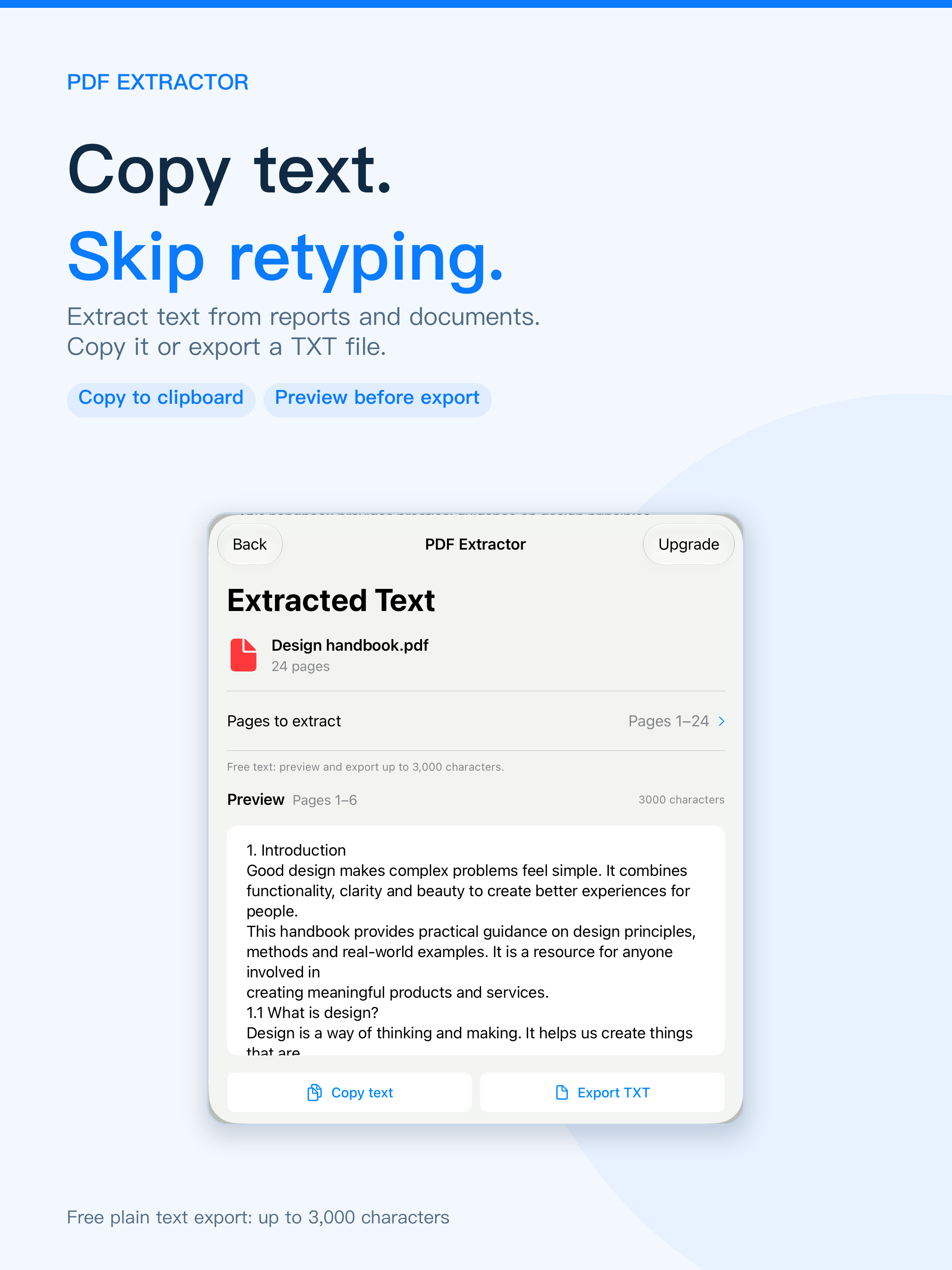
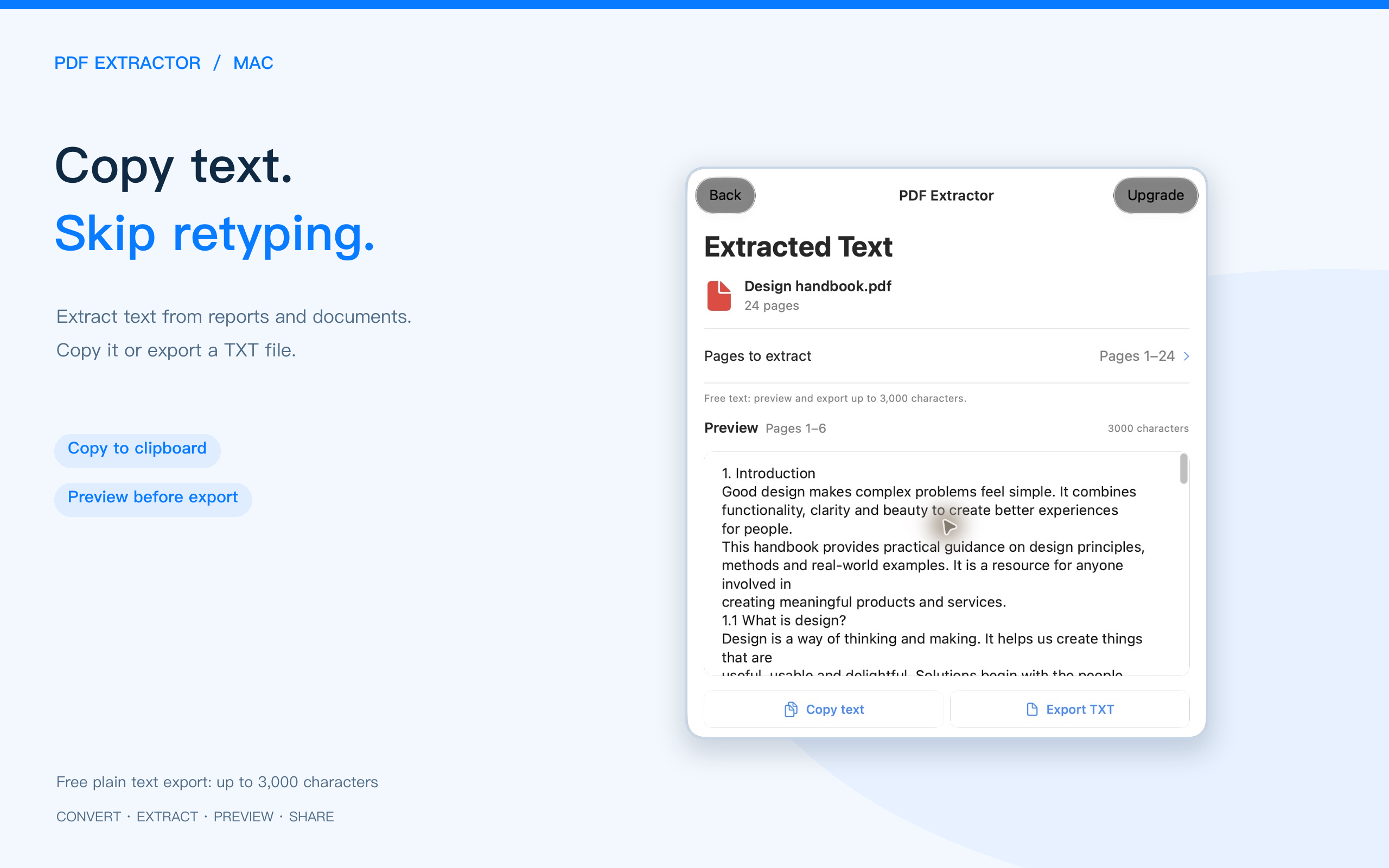
Extract and preview plain text, then save it as TXT. Upgrade to copy selected text and remove the character limit.
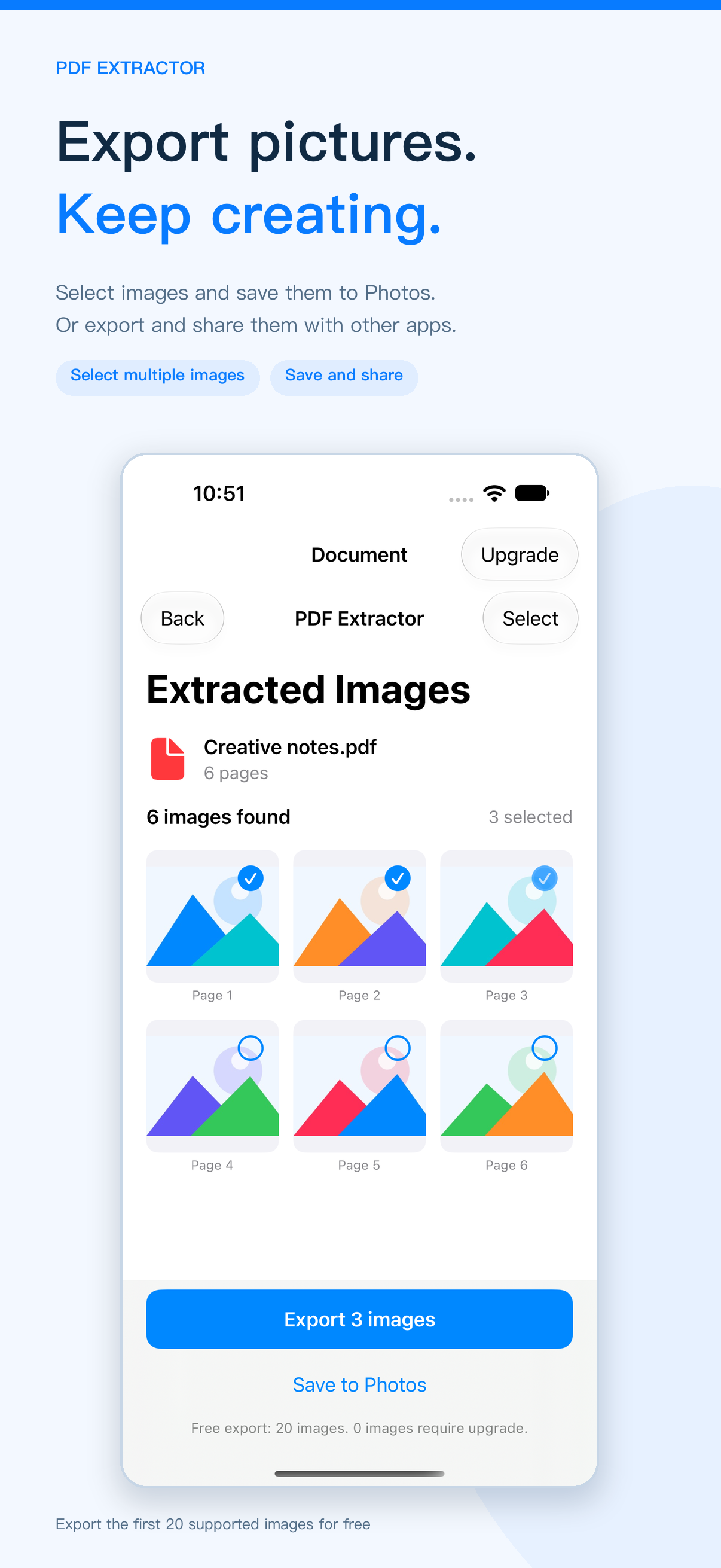
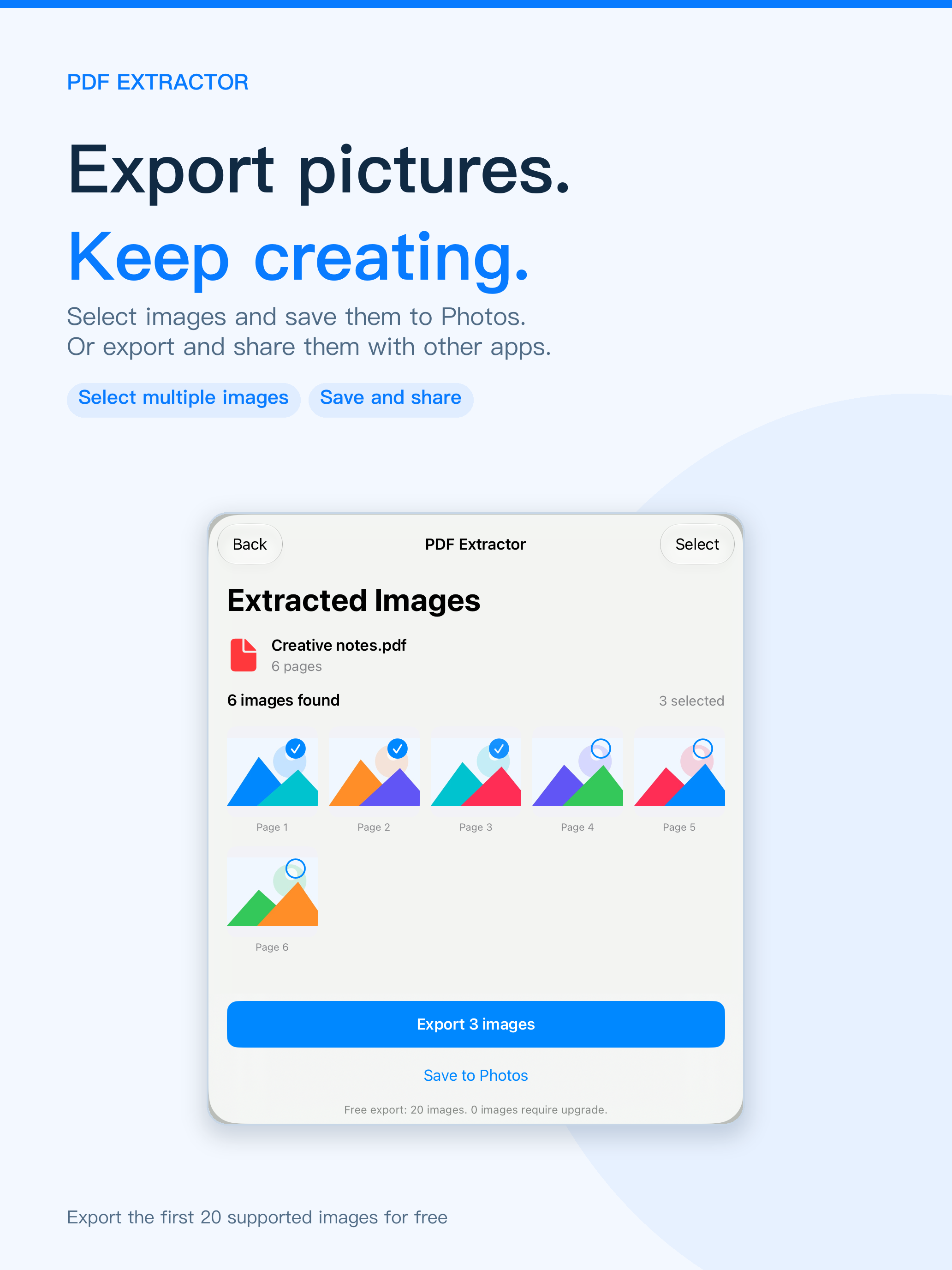
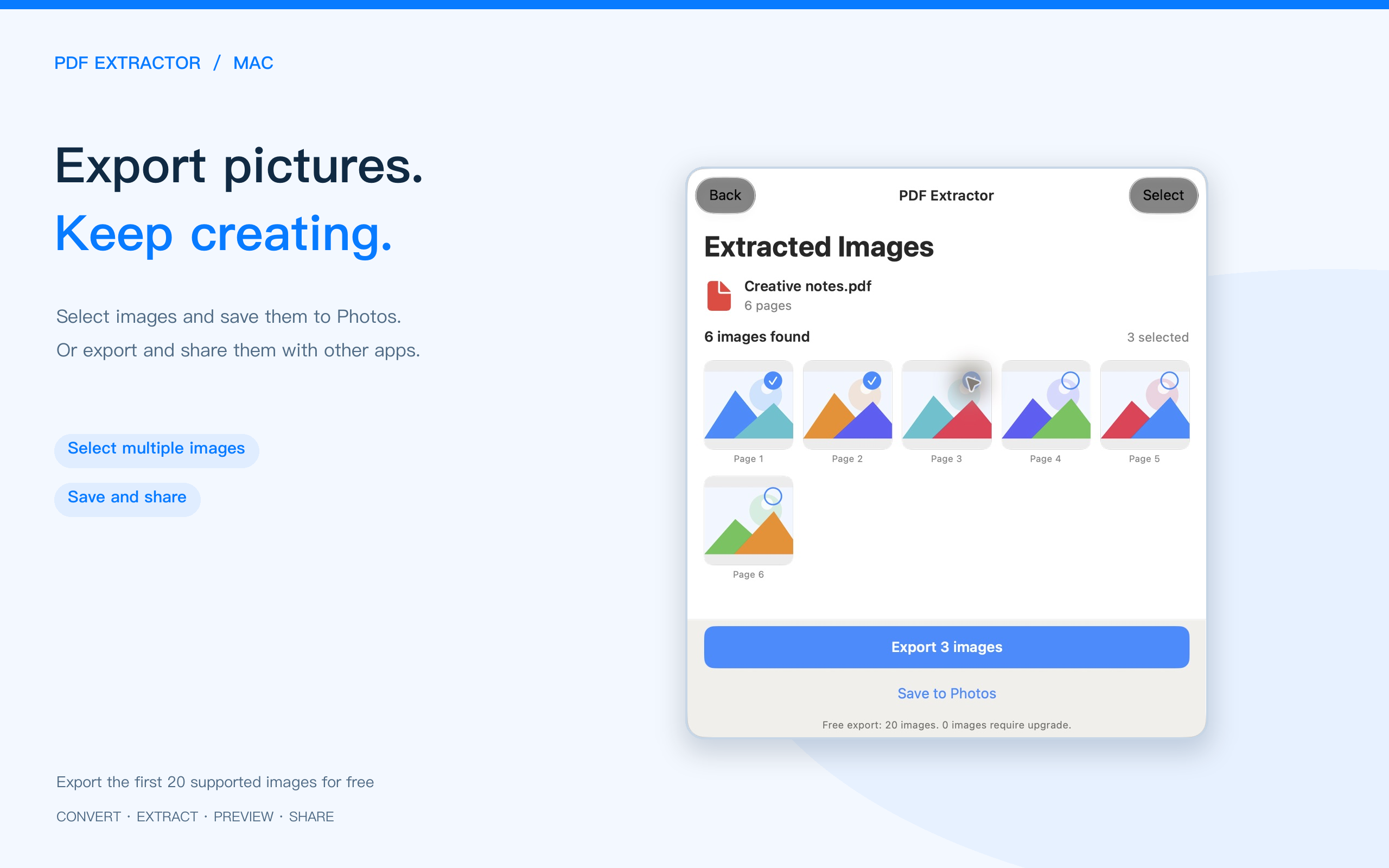
Extract supported images embedded in a PDF, preview them and export. Images retain their source resolution.
Review the result before saving or sharing. Switch between rendered HTML and source, or inspect Markdown source.
Work across your devices. On Mac, use file dialogs, a resizable window and system save panels.
Keep editing in Word
For notes and writing
Read text and images in a browser
Rich text with embedded images
Just the text you need
Document conversion reflows content rather than reproducing the original PDF layout pixel for pixel. Complex tables and OCR results depend on the source file.
Word, Markdown, HTML and RTF share the same first-3-page free allowance for previews and exports. See the in-app purchase screen for current pricing.
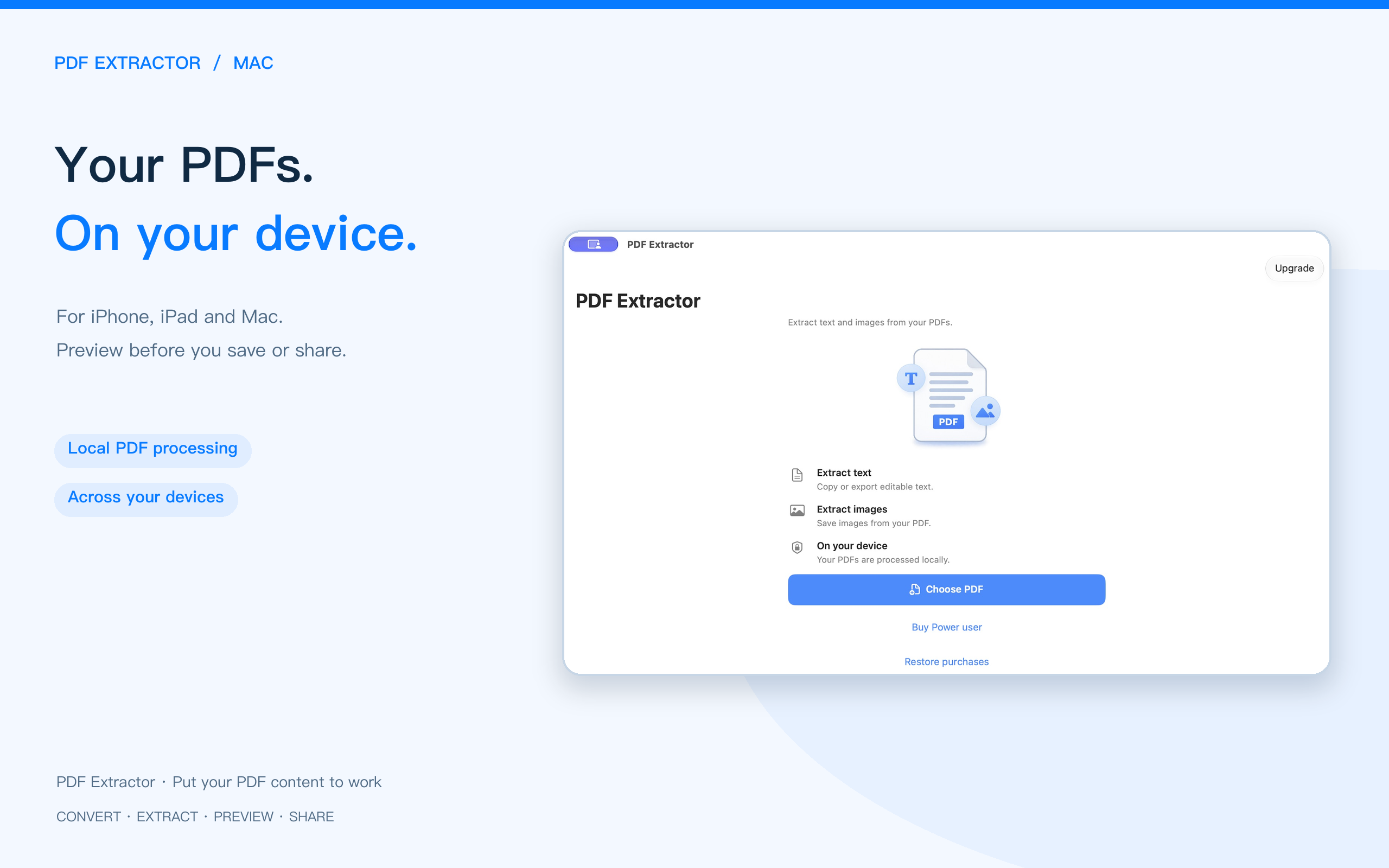
Screenshots from the updated app. Select an image to view it at full size.
Offers in-app purchases. See the App Store listing for system requirements, features and purchase details.
Also explore PDF Easy Combiner →