TINY4 / PDF TOOLS

Make light work of PDFs.

Keep the content you need. Bring scattered documents together. Two focused tools for everyday PDF tasks.

Find your PDF tool ↓
iPhone · iPad
01 / EXTRACTContent extraction
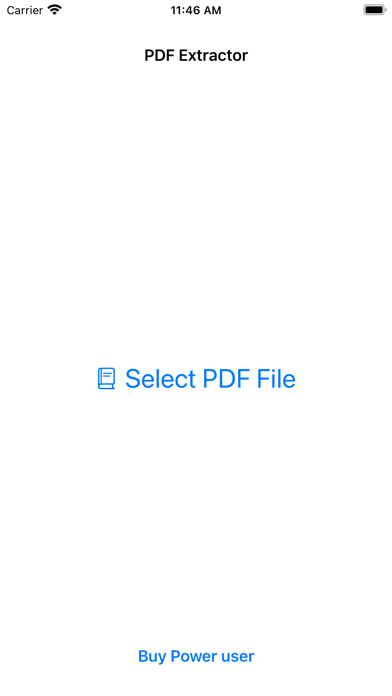
PDF Extractor iPhone
PDF Extractor App icon

PDF Extractor

Take useful content out of PDFs.

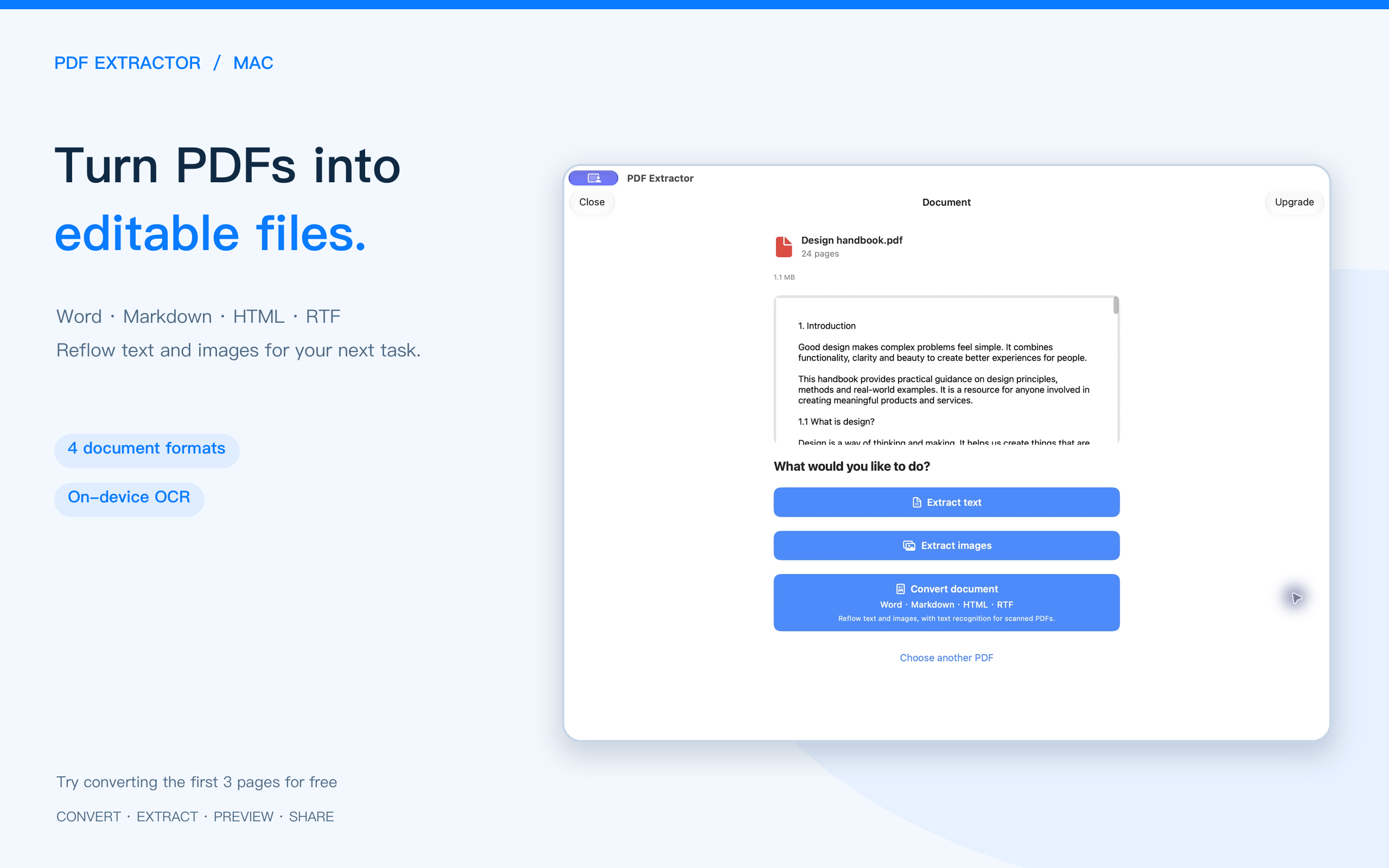
Extract plain text, rich text and images for research notes, reference material and image collections.

  • Extract plain and rich text, with a selected range
  • Extract high-resolution images from PDFs
  • Bundle extracted text or images into a ZIP for sharing
Features & screenshots → View on the App Store ↗
02 / COMBINEDocument merging
PDF Easy Combiner iPhone
PDF Easy Combiner App icon

PDF Easy Combiner

Many documents. One tidy file.

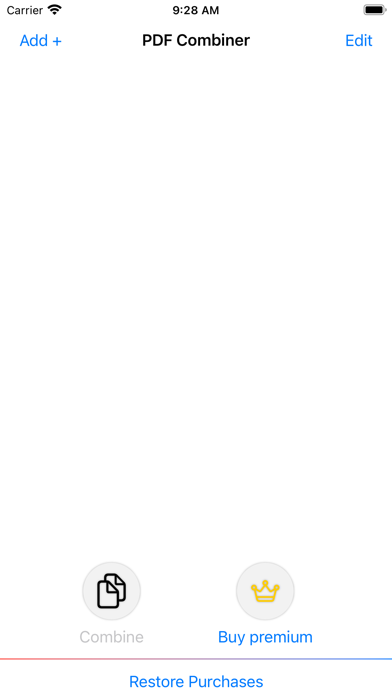
Merge multiple PDFs into an organized document for reports, course handouts and project materials.

  • Combine multiple PDFs into a single file
  • Arrange documents in the order you need
  • Work with different PDF sizes in a simple, ad-free interface
Features & screenshots → View on the App Store ↗

What would you like to do with your PDF?

Both apps offer in-app purchases. See each App Store listing for system requirements, features and purchase details.

BLOG / GUIDES

Stories and guides for this product

All stories →