Petanote
With just a simple sentence and a few ordinary photos, instantly generate a super cute, personalized journal with rich graphics in one click!

With just a simple sentence and a few ordinary photos, instantly generate a super cute, personalized journal with rich graphics in one click!
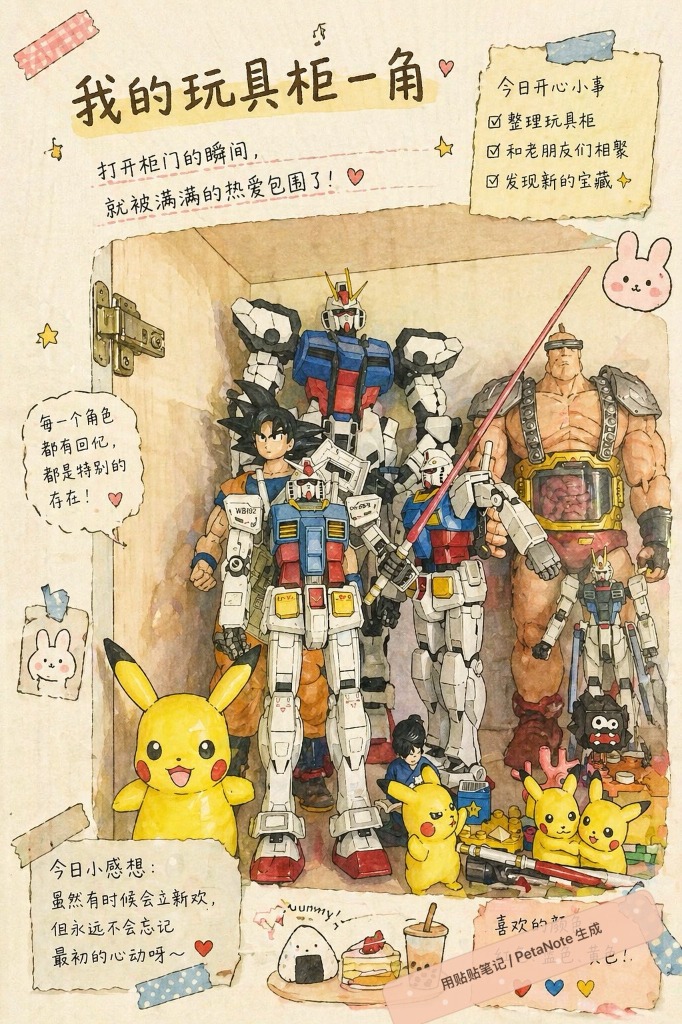
Petanote is made for people who want to record life without spending a long time on layouts. Write one short note, upload ordinary photos, and let AI understand the scene, highlight the important details, and generate a cute digital journal page for saving, sharing, and revisiting.
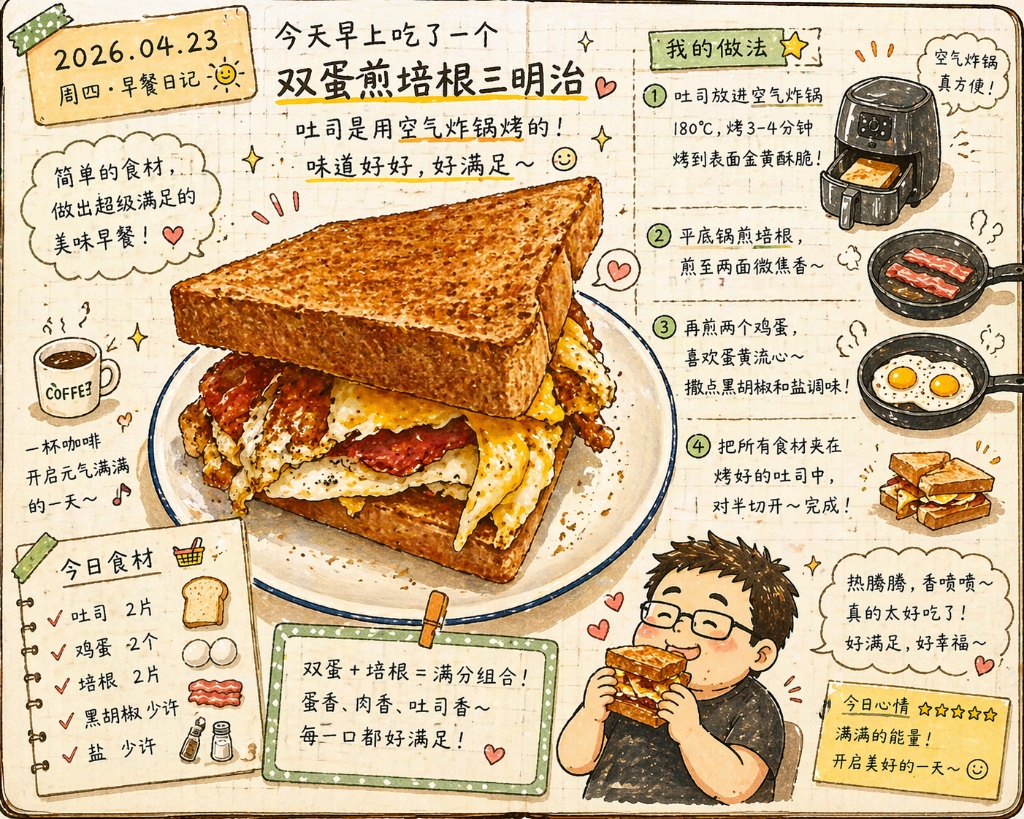
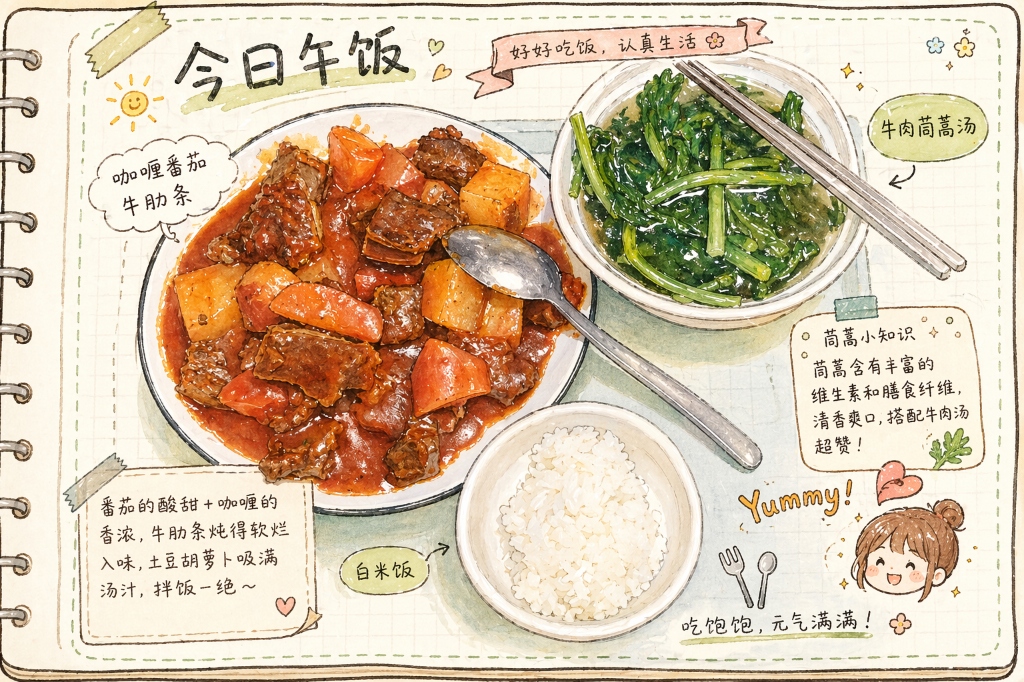
Create complete visual journal pages from everyday photos, even if you do not draw or design layouts.
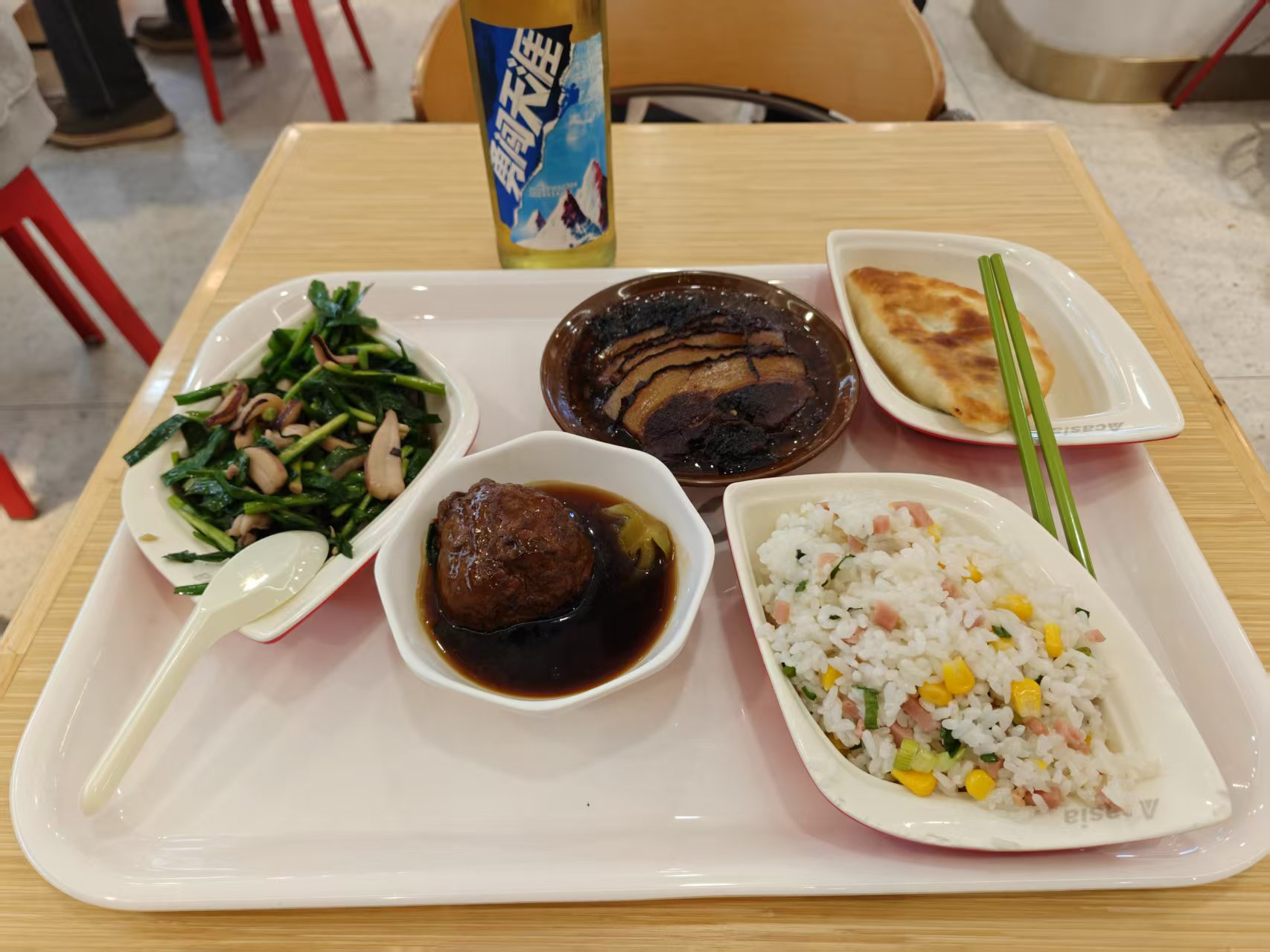
Turn meals, trips, pets, collections, and small daily moments into more memorable journal pages.
AI combines your words and photos with stickers, frames, collage layouts, and hand-drawn elements.
Petanote lets AI handle the time-consuming parts of journaling: choosing the visual focus, arranging photos, matching stickers, and keeping the page style consistent.
Start with a line about lunch, travel, pets, studying, shopping, or a weekend with friends.
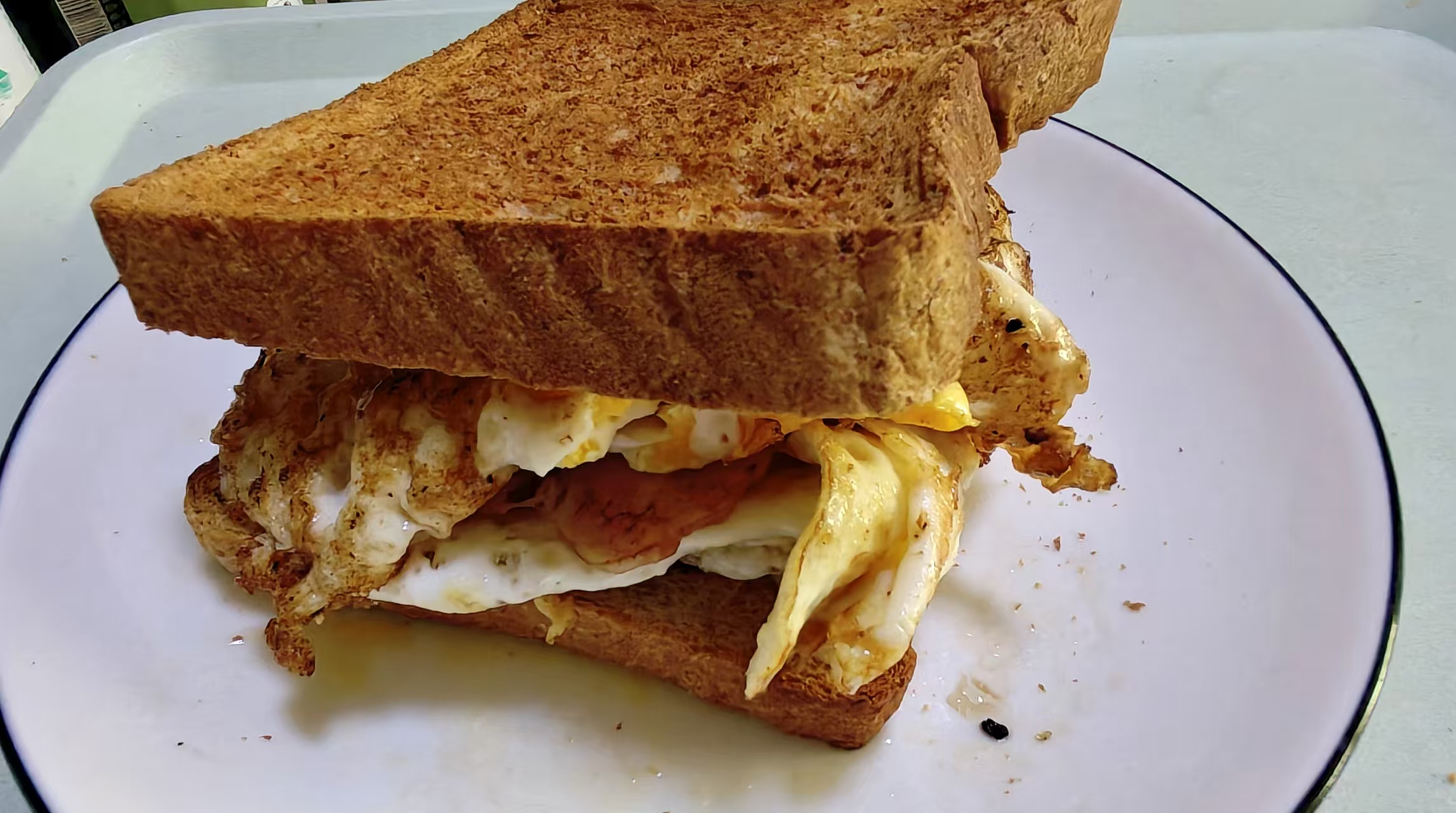
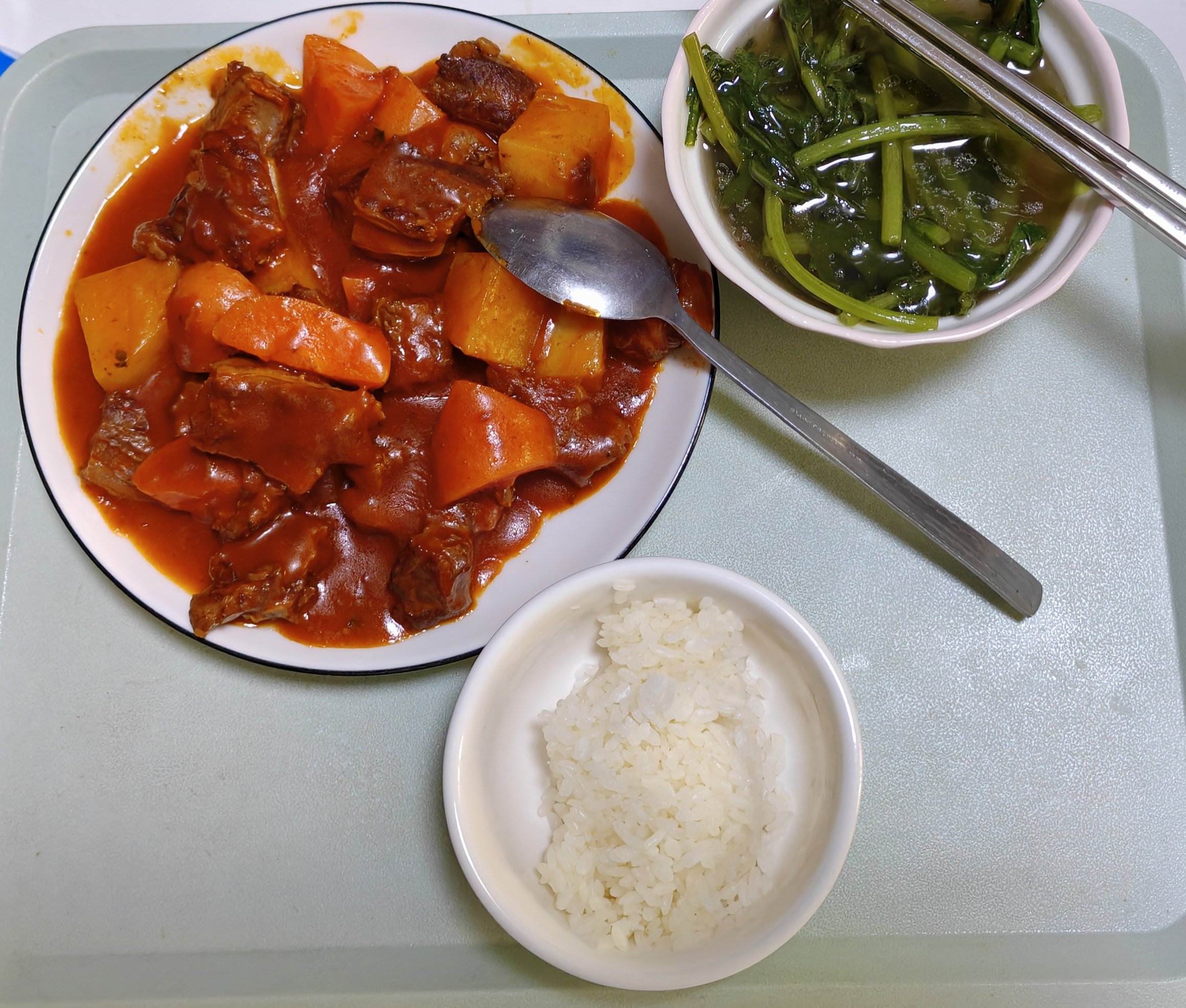
No professional composition required. Casual phone photos can become the source material for a polished page.
AI creates the layout, stickers, frames, and overall style so one ordinary moment becomes a complete visual journal.
From what you ate today to where you went this weekend, Petanote is built for small daily moments that deserve to be remembered without complex editing.
Turn lunch, dessert, coffee, and restaurant photos into food journal pages with mood, price, and small notes.
Collect routes, scenery, tickets, and snapshots into a travel journal that feels more personal than a photo album.
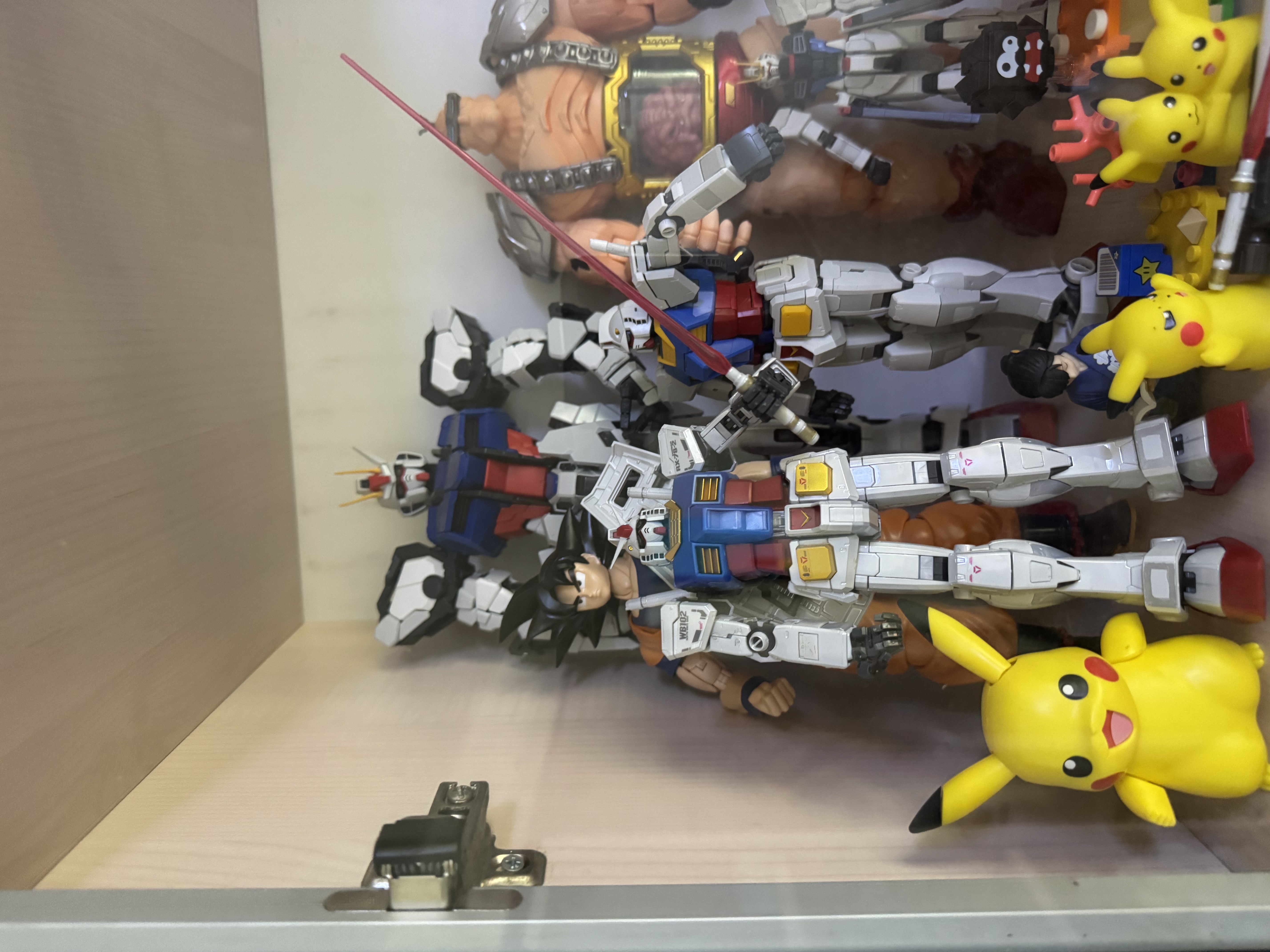
Record pets, toy shelves, figures, stationery, outfits, room corners, and other visual details.
Turn reading notes, ideas, study check-ins, and creative process photos into digital journal pages you can revisit.
See how Petanote transforms your everyday moments into beautiful, exquisite journals!
Click play to experience the joy of creating your own cute journal in one click!
Even if you are not good at layout or drawing, you can easily become a journal master.
With just a simple sentence and a few photos, our powerful AI understands your intent, automatically creating layouts, illustrations, and cute stickers for a perfect journal in an instant!
Even with dim lighting or casual composition, Petanote extracts core elements and re-presents them in lovely hand-drawn or collage styles.
Built-in with countless fresh, Japanese hand-drawn, and macaron-style stickers and borders, making every journal of yours truly unique.
No need to worry about layout or struggling with writing. Capture every little joy anytime, anywhere, making memories more vivid and alive.
Petanote is not a blank-page editor or a simple photo tool. It works more like an AI journaling assistant that understands your photos, organizes your content, and builds the visual page for you.
Notes apps focus on text storage. Petanote combines photos, words, stickers, and layout into one visual page.
You do not need to cut out images, find assets, adjust positions, or choose colors manually.
Each generated page can respond to your words, photos, and memory type instead of forcing everything into the same template.
Yes. Petanote is designed to make journaling easier. You provide a short sentence and photos, and the app handles layout and visual style generation.
A normal notes app focuses on text. Petanote focuses on visual journal pages by combining photos, words, stickers, and layouts for saving and sharing memories.
Petanote is currently in development and preparing for beta testing. You can apply on the website and receive updates when testing or launch access becomes available.
No. Petanote is designed for ordinary daily photos, including food, scenery, pets, rooms, small objects, and casual phone snapshots.
Current directions include sticker style, collage style, Japanese hand-drawn style, food journals, travel journals, and cute daily diary pages.
The product goal is to support saving and sharing generated pages, so you can post them on social platforms or keep them as personal memory records.
Petanote is still preparing for beta testing, and final pricing has not been decided. You can leave your payment preference in the beta application form to help shape the product.